How to fill in your treatment request
A step-by-step guide with pictures, from opening the site until you receive your reference number. It takes about 5 minutes.
Before you start, have these ready
- Your passport, for your nationality and date of birth
- Your medical reports or scans as PDF files or photos (optional, you can also send them later on WhatsApp)
- Your WhatsApp number with the country code
- Step 1
1Open the request form
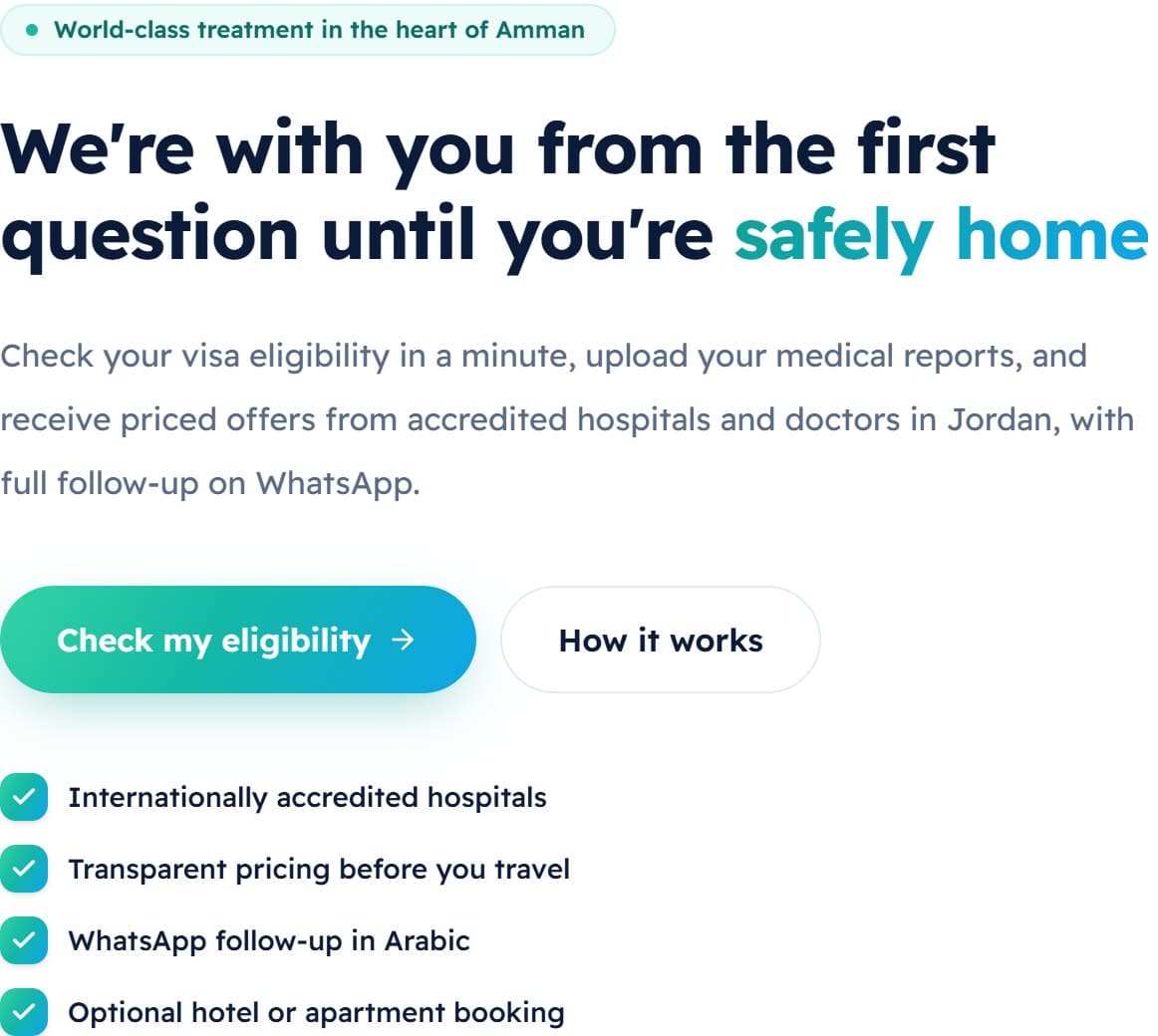
On the home page, tap «Check my eligibility». You can also tap «Get started» at the top of any page.
- Step 2
2Check your visa eligibility
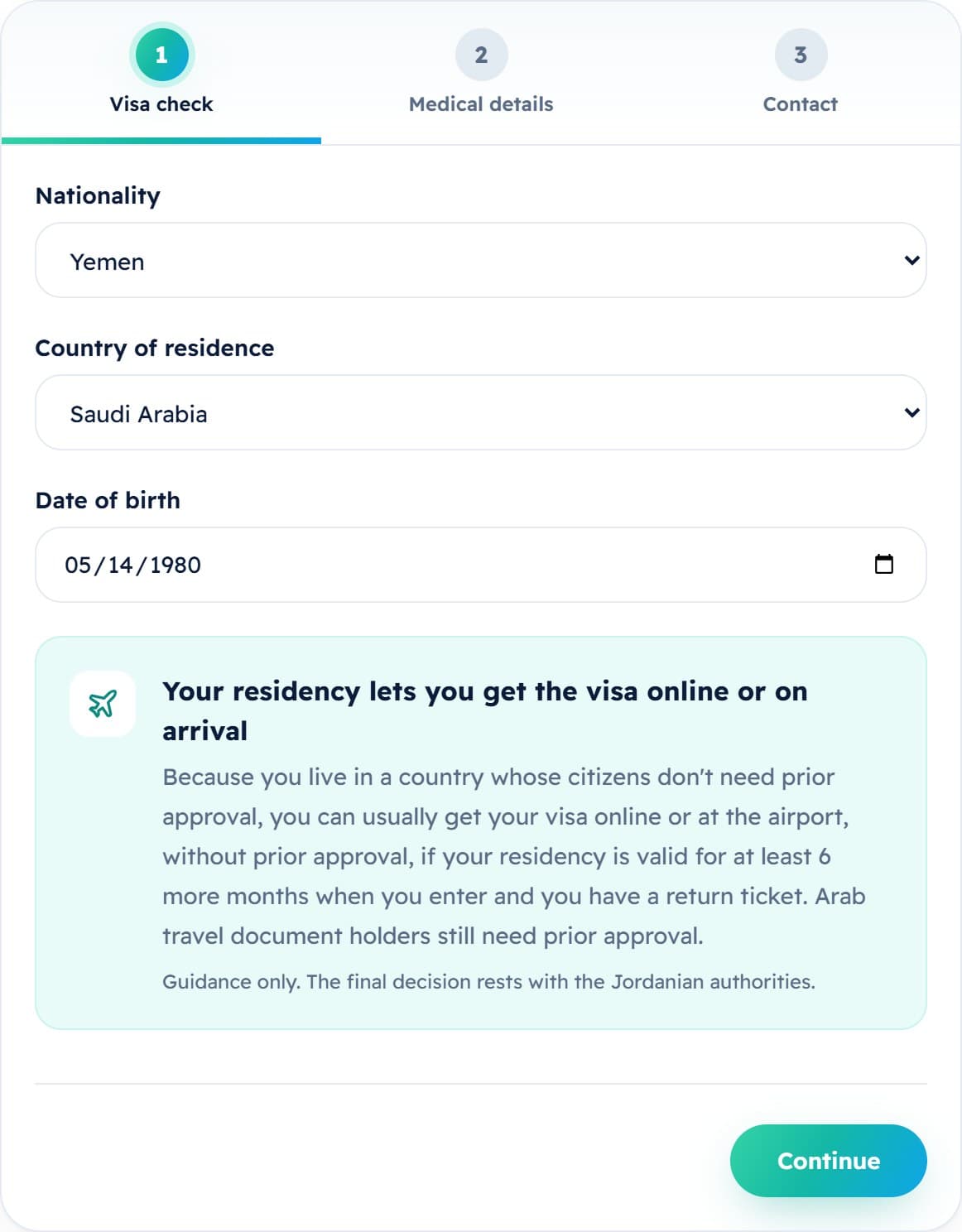
Choose your nationality, your country of residence and your date of birth. The visa guidance for your case appears straight away. Then tap «Continue».
- If you live outside your home country, choose the country where you live now: it can change the visa rules for you.
- Step 3
3Add your medical details
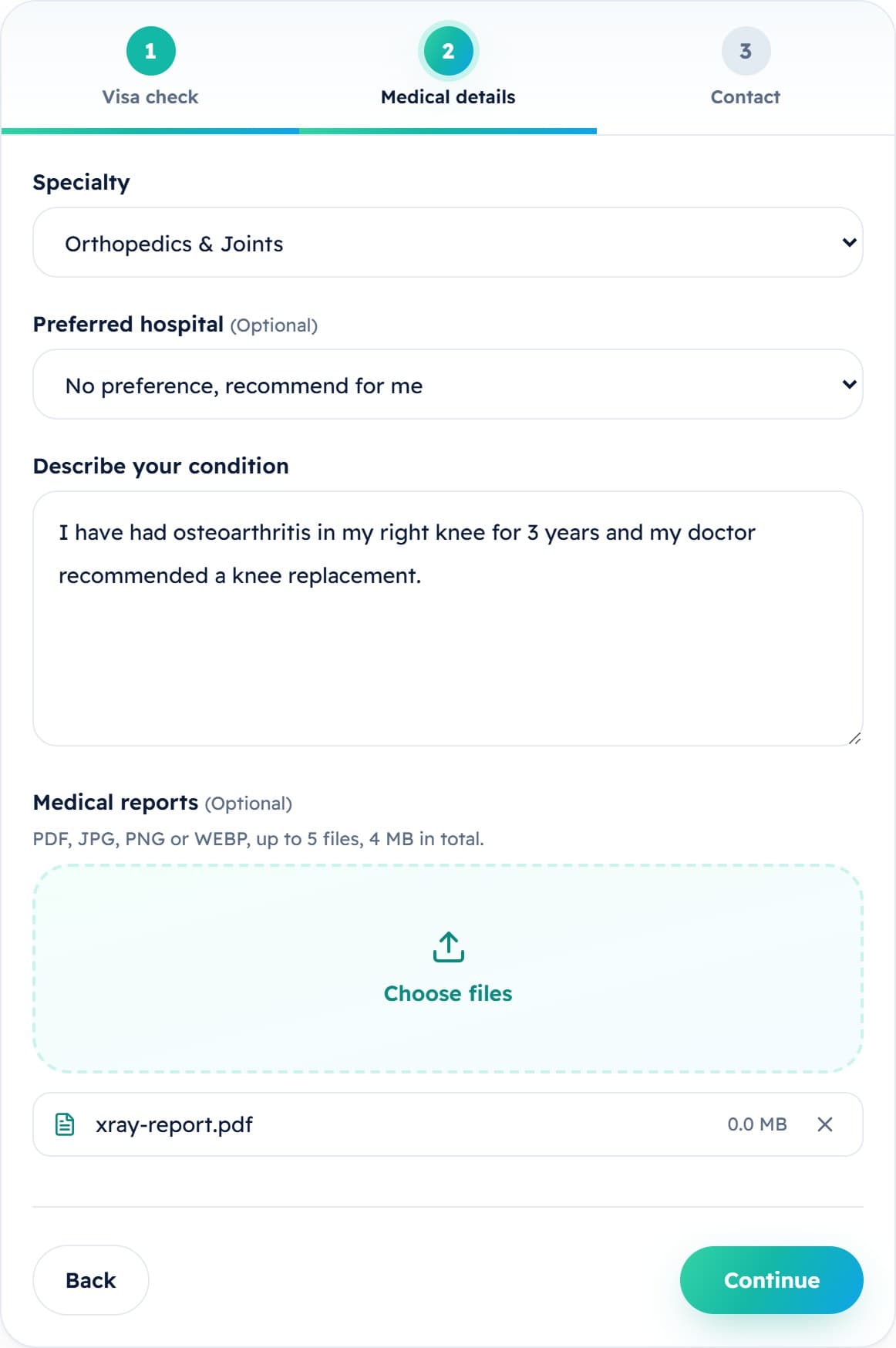
Choose the specialty, and a preferred hospital if you have one (or leave «No preference, recommend for me»). Describe your condition in at least 20 characters, then attach your reports. Tap «Continue».
- Attach up to 5 files (PDF, JPG, PNG or WEBP), 4 MB in total.
- Clear photos of your reports taken with your phone are fine.
- Step 4
4Enter your contact details
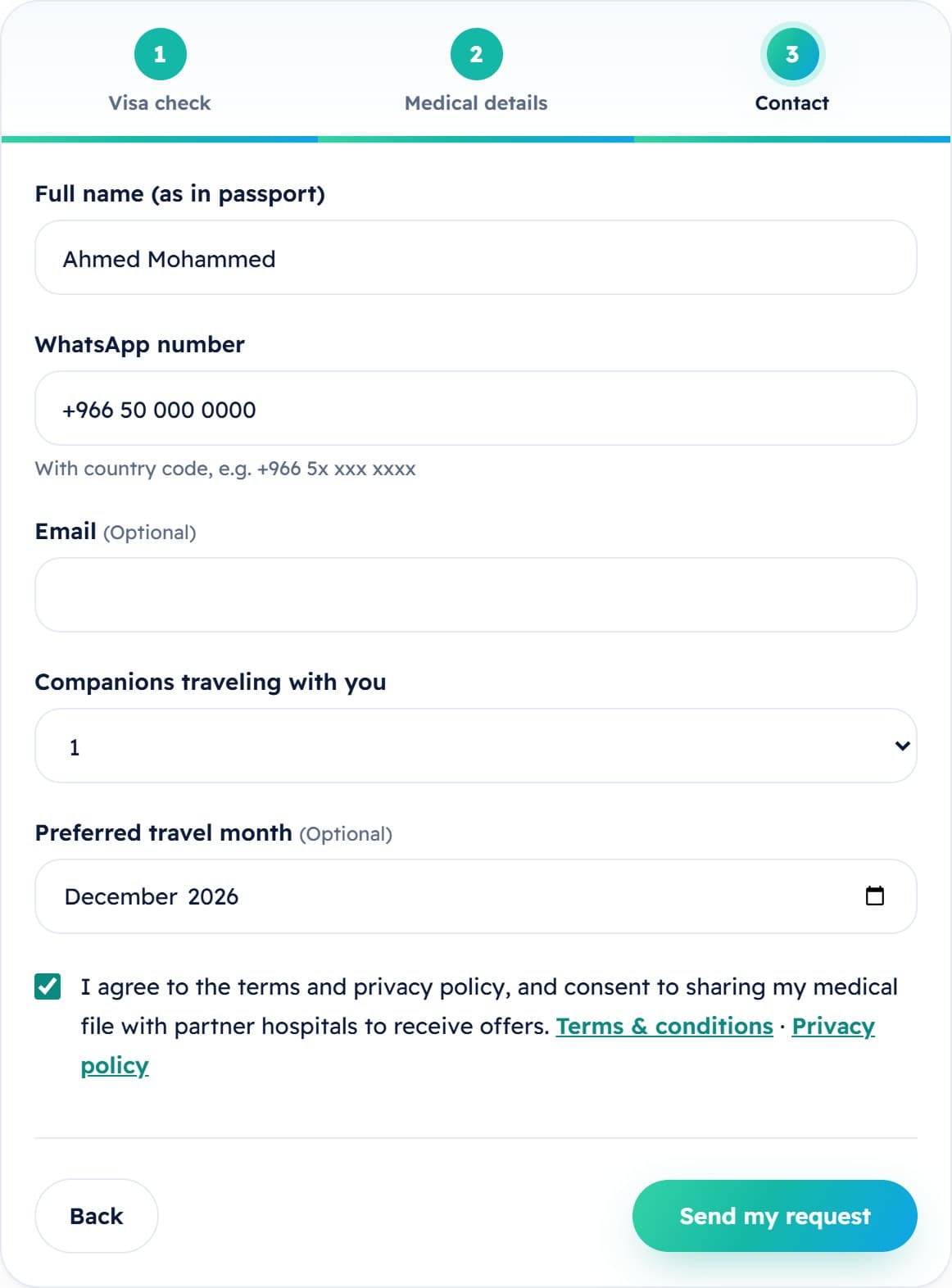
Write your full name as it appears in your passport and your WhatsApp number with the country code. Email and travel month are optional. Choose the number of companions, tick the consent box, then tap «Send my request».
- Double-check your WhatsApp number: this is how our coordinators will reach you.
- Step 5
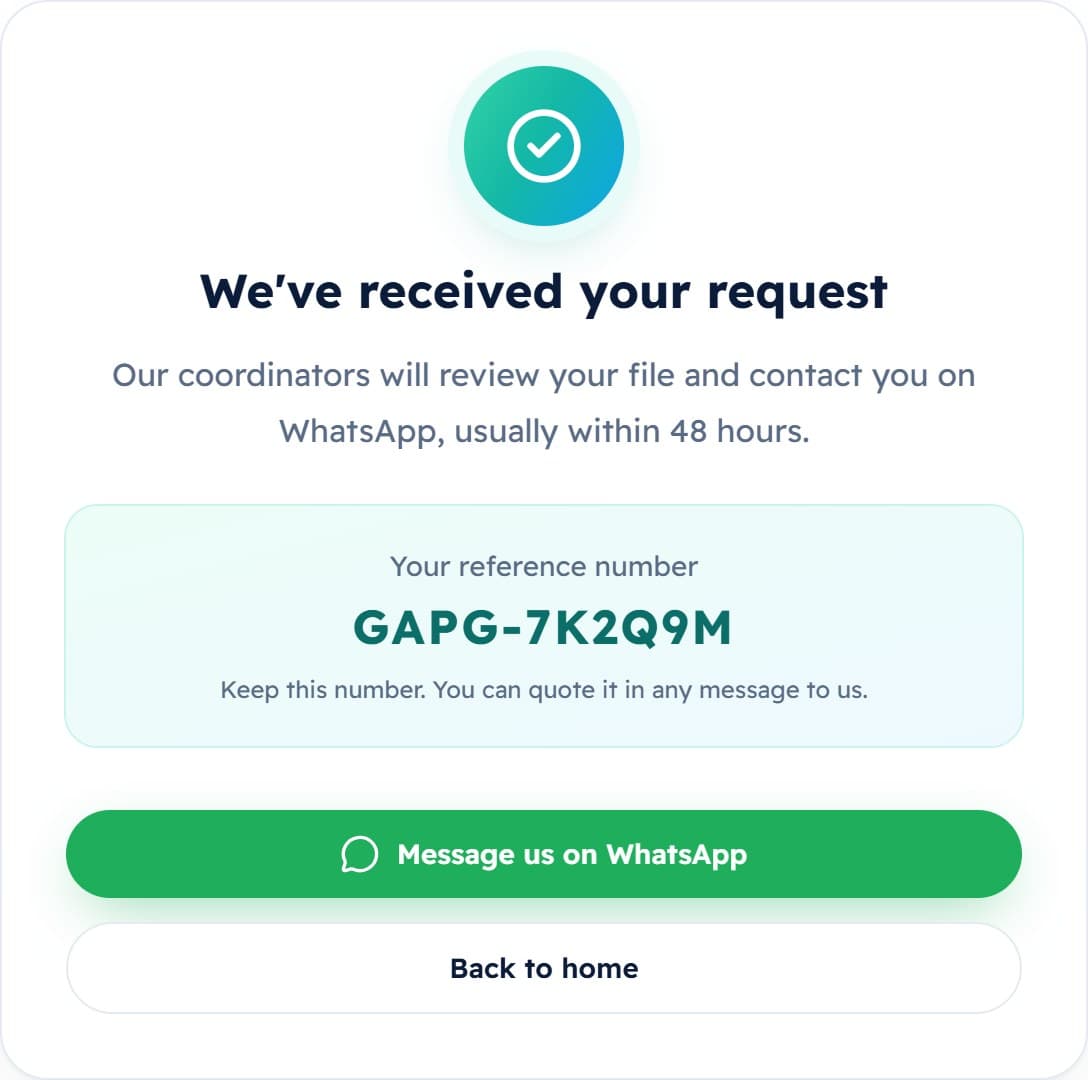
5Keep your reference number
Your request has been received and you will see your reference number. Keep it, or take a screenshot. Our coordinators will contact you on WhatsApp, usually within 48 hours.
Stuck at any step?
Send us a message on WhatsApp and a coordinator will help you complete your request.